Sabbatical Log: November 2nd
Posted: 2018/11/10 Filed under: code 2 CommentsThis blog series is running about a week behind my actual work, giving me time to clean things up. The date the actual work was done is in the title, horizontal lines indicate when I stopped writing and started coding.
Starting my second day of sabbatical, I’ve got a moving rectangle.
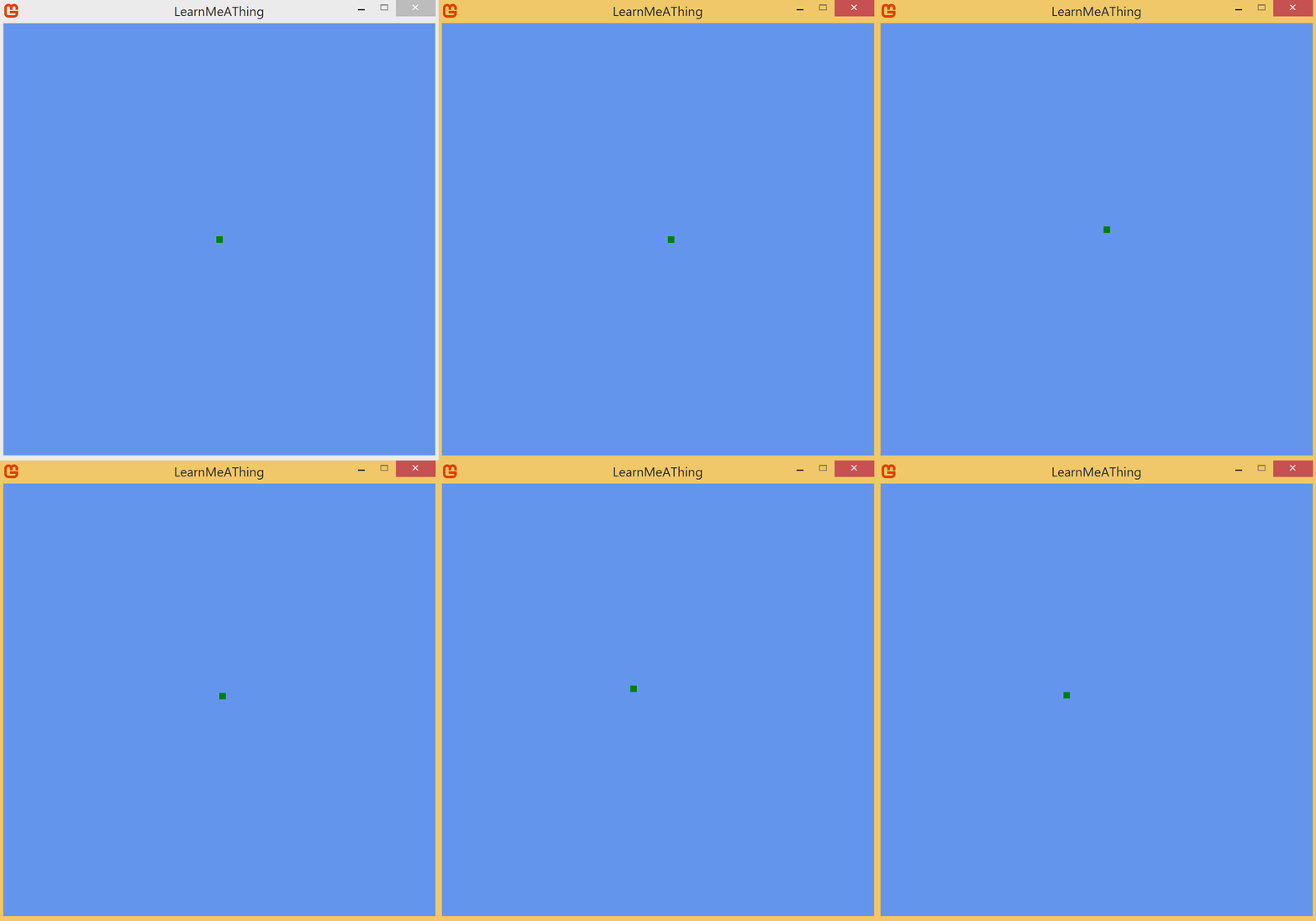
While there’s a lot going on behind the scenes, exciting this is not.
So my goal for now is to get some actual graphics going.
I’ve written up an AssetManager class that handles loading images (BMP and PNG) and mapping them to MonoGame’s Texture2D instances.

I’m not using the MonoGame content pipeline for a couple reasons:
- I want to learn about this sort of thing
- I want to maximize productivity, and allowing resources to be loaded dynamically helps that
Which means that now, not only am I rendering an actual sprite but I can edit the sprite and have it immediately update.

Now I wanna focus on getting a background and a of sorts camera working.
While preparing for camera work, I ended up spending some time optimizing asset loading. Once I was loading in a large map (Kakariko village, 4096×4096 pixels) to use for the background I discovered a few pointless O(n^2) loops where I was converting between pixel formats.
Nothing a little bit of Bitmap.LockBits and Marshal.Copy couldn’t cope with, but it burnt an hour or so of time. But now startup times are snappy again.
I’ve now got a pretty basic camera working. It’s modeled as an entity with position and dimension components, but it isn’t rendered (nor does it accept input). This is the first real chance to see the Entity-Component-System divide work, and I will say it feels elegant. N=2 isn’t exactly enough for me to be confident in it, but so far so good.
One thing that has felt weird is the way I’ve structured the System interface.
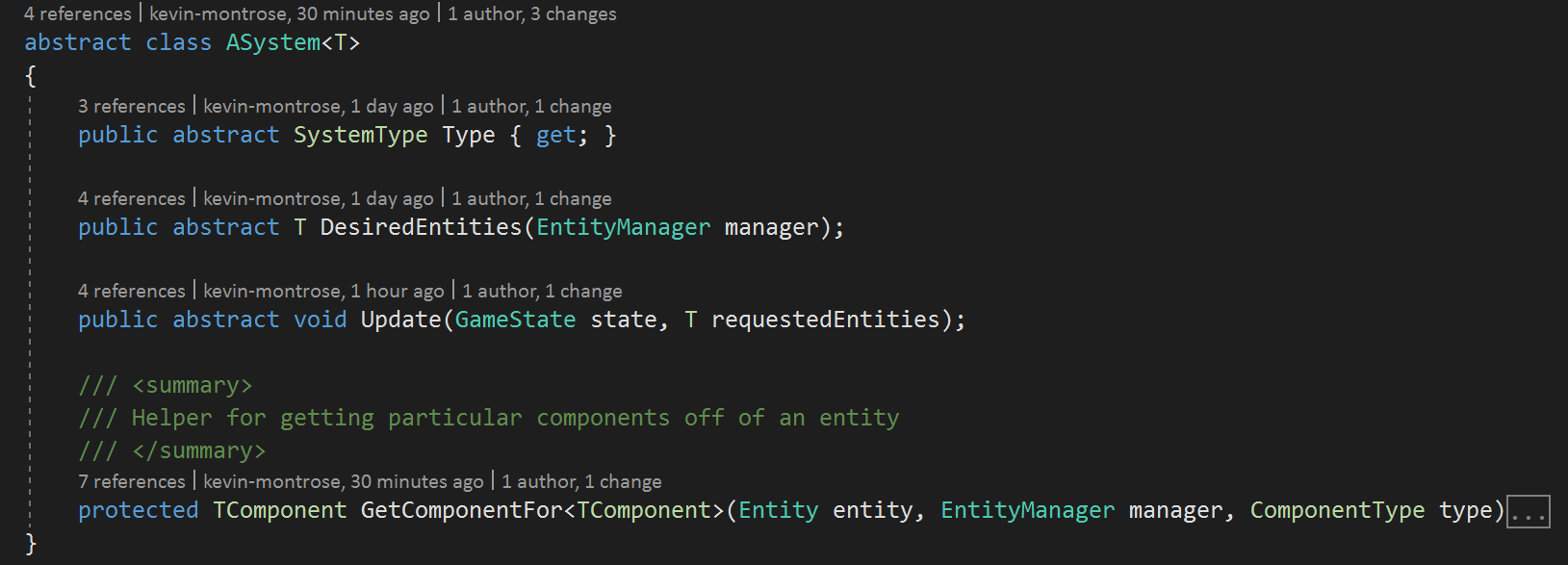
And here’s an implementer, CameraSystem.

Structuring the system such that they’re always working on enumerations of entities is conceptually nice, but I’m finding myself with lots of pretty janky foreach loops. In fact, I’ve added a helper to the base class (GetComponentFor in the previous picture) that does the really common “get the only one of these there is out of the enumeration”-task.
Since I haven’t gotten to any systems that operate on multiple entities, I’m not going to refactor just yet – but I’ve noticed the pain point.
Now I’m going to go work on testing the CameraSystem.
I’ve now got all the tests working for the camera system – I found a couple of bugs related to room sizes that were smaller than the “window” into the game. I added another test room to illustrate that the same systems are capable of handling either kind.
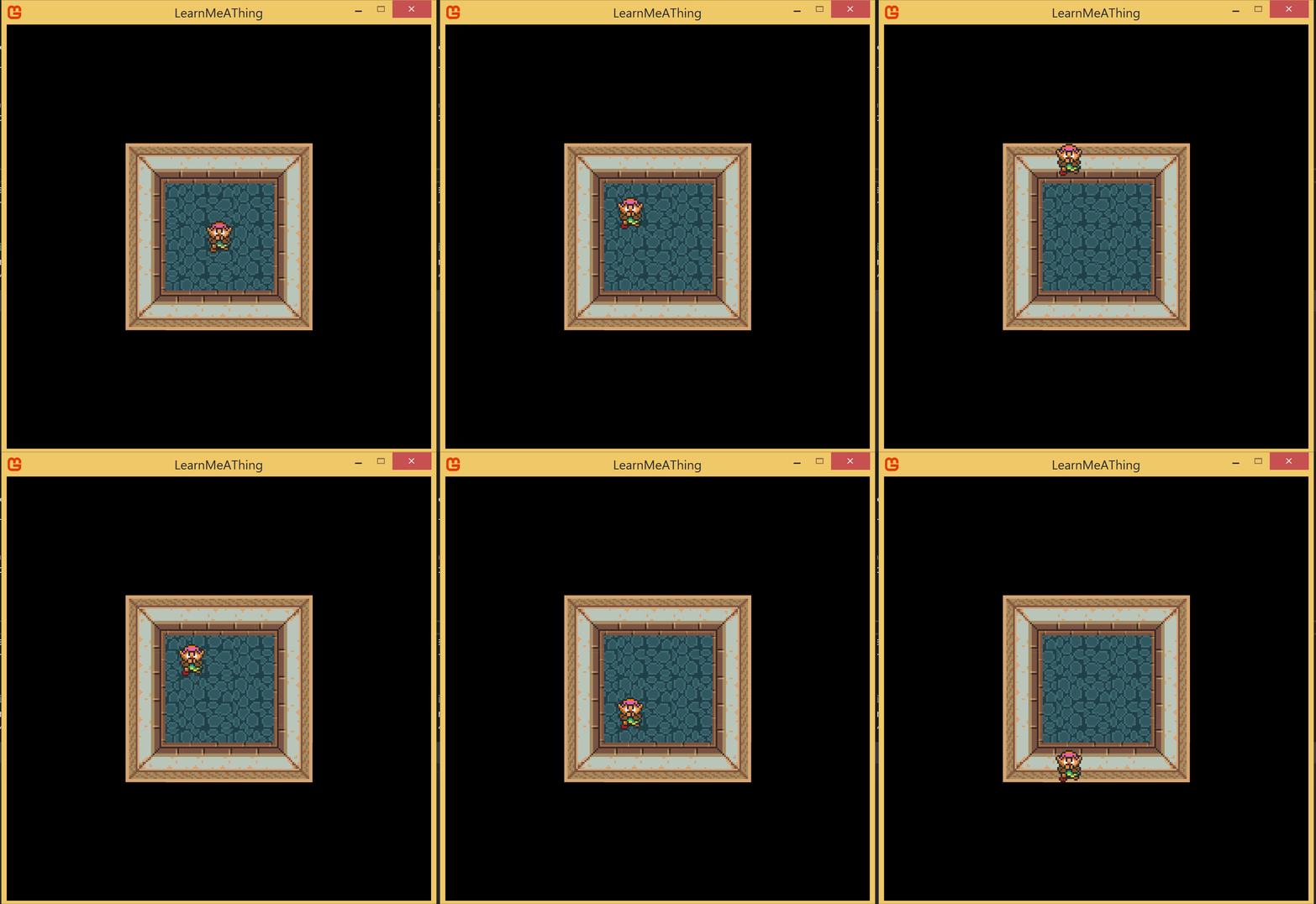
At this point it feels like it’s time to start implementing some other entities, probably static obstacles. But to do so I’ve got to implement the first part of a physics system, collision detection. Time to get reading.
Sabbatical Log: November 1st
Posted: 2018/11/09 Filed under: code 2 CommentsThis blog series is running about a week behind my actual work, giving me time to clean things up. The date the actual work was done is in the title, horizontal lines indicate when I stopped writing and started coding.
I’m on sabbatical for November, and am taking the time to play around with a kind of coding I’ve never dabbled in: Game Dev. I’ve read a decent amount (mostly Gamasutra and forums), watched a lot of videos (GDC and Handmade Hero), and certainly thought about it – but I haven’t actually done it.
I have no delusions of actually finishing this month, or even making something all that fun. I’m just aiming to Learn Me A Thing™.
The first decisions I’ve made are:
-
- What kind of game?
- A top down action-RPG in the mold of one of my all time favorites
- I’ve also bought Link To The Past a half-dozen times, so I don’t feel scruples about stealing some assets for this little exercise.
- However, I don’t intend to publish the code with assets.
- What language am I working in?
- C#, solely because I like it and know it well. I considered TypeScript and Rust, but while TypeScript is better than JavaScript I still don’t really like working in it and I don’t consider myself proficient in Rust yet.
- What, if any, framework am I using?
- I’m going to use MonoGame.
- I only want something to handle the blitting of pixels into the screen for me, I intend to implement all other systems myself, and MonoGame looks like it fits the bill.
- What kind of game?
I guess it’s, time to get to work.

My first focus was on some infrastructure, namely a barebones Entity-Component-System.
I’ve decided that there are basically two “types” of Components (binary/flags and stateful ones), Entities are just id numbers, and Systems work over enumerations of entities having some component. All of entity management bits are wrapped up in an EntityManager class like so

Specifically, the EntityManager class handles:
-
-
- Creating entities
- Release entities
- Attaching and removing flag components to entities
- Attaching and removing stateful components to entities
- Enumerating entities with specific flag or stateful components
- Fetching flag or stateful components for specific entities
-
Since I expect garbage collection to be something of an enemy in this project, I’m keeping allocations to a minimum. For the EntityManager class that means I only allow a fixed number of entities, and a fixed number of stateful components per entity – the required space for tracking both sets is allocated up front, in the constructor. I’m also avoiding all LINQ-to-Objects, and using C#’s duck typing of foreach to avoid allocations during miscellaneous logic.
I’ve also written test cases for this class, and it is my intent to continue to do so for all future code. I’ve read it can be pretty hard to actually test games, so we’ll see how well I can keep to that.
I’ve now implemented enough systems and components to get a box moving on the screen; and it only took ~5 hours of work.
My solution now looks like so
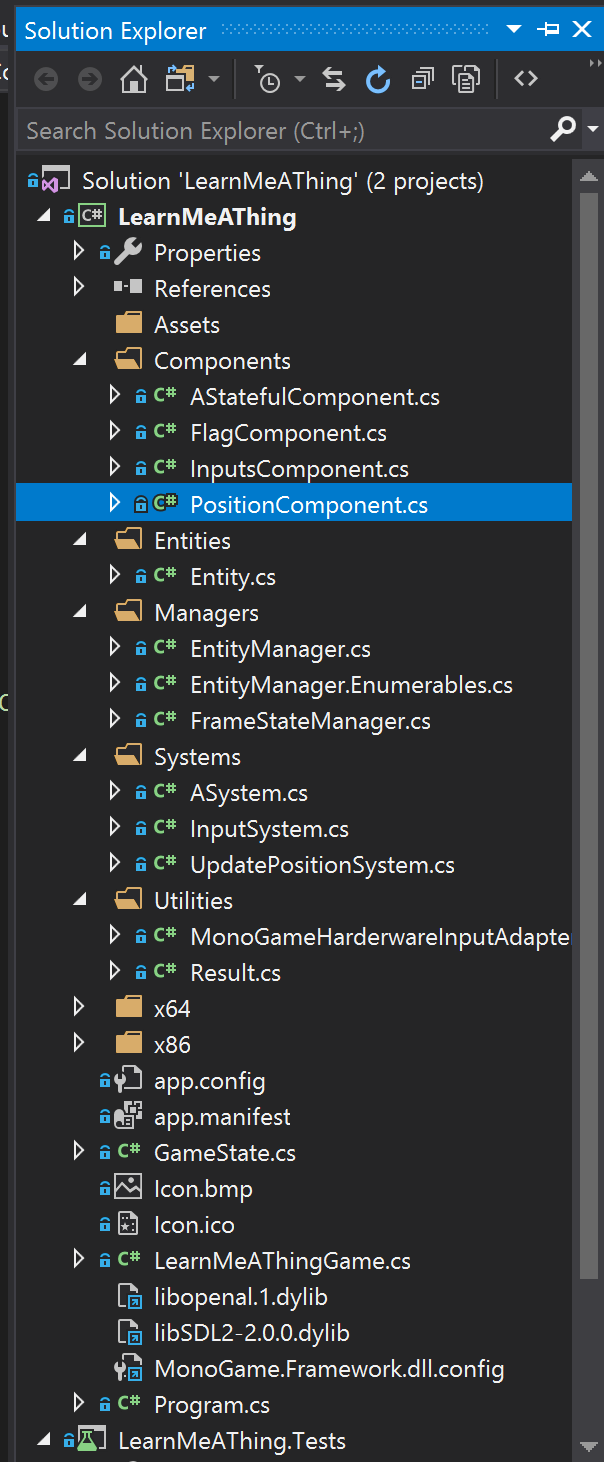
I’ve got some components:
-
-
- InputComponent receives “input” from a player
- Although I don’t intend for their to be multiple players, this abstraction is nice because it lets me mock input handling more easily
- PositionComponent holds an X & Y for an entity
- I’m using subpixels, so this entity also does the conversion (only the subpixels are writable)
- I also added FlagComponent.Player (my first “boolean” component) to mark the player entity
- Although I’m also assuring that Id=1 is always the player elsewhere, it feels cleaner to have an explicit marker for the player
- InputComponent receives “input” from a player
-
My first two systems are:
-
-
- InputSystem, which takes input from MonoGame and updates InputComponent baring entities
- This actually works off an interface, so it can be mocked. MonoGameHardwareInputAdapter does the actual mapping of GamePadState and KeyboardState to “PressedKeys”.
- Testing so far is minimal, but still seems workable. For example:
- UpdatePositionSystem is a temporary system that updates player entities’ PositionComponent based on their InputComponent.
- All the logic it really does is keeping the player entity inbounds with some hardcoded sizes
- I consider this temporary because I think it’d be more sensible to model velocity and have player movement handled by the same “physics” that moves everything else
- InputSystem, which takes input from MonoGame and updates InputComponent baring entities
-

And I’ve introduce a GameState class that wraps around the EntityManager and has an Update(TimeSpan) method which triggers the various systems in the appropriate order. Not putting any of the logic in the Game-derived class makes it easier to test – in fact you can see the creation and use of a GameState in the above test.
All of the above gets us to logically moving the player, but there’s no code for actually drawing it. To solve that, I introduce a FrameStateManager that is used to construct a FrameState which is used is then translated into Draw calls. While I could directly translate GameState into Draw calls, I like introducing an intermediary representation for a few reasons:
-
- Once the FrameState is constructed, it’s safe to modify GameState again; so in theory I could get a leg up on the next frame while still rendering the previous one. I doubt that will be necessary, but it’s conceptually nice.
- Going the other way, constructing a separate FrameState makes it much less likely I’ll accidentally modify GameState as part of rendering.
- A separate FrameState makes it possible to “record” a play session into a parseable representation, which will hopefully make testing easier.
- In the age of Twitch, YouTube, and speed running – recording gaming sessions is commonplace. Being able to “record” into something that can then be properly rendered later just strikes me as neat.

 Kevin Montrose